Connect your bank
Reconciliation needs the deposits Amazon pays out. Wise connects as a feed that syncs daily; every other bank comes in as an uploaded statement.
Checked against the product on 2026-11-04
Step 1: Choose how bank data arrives
If your Amazon payouts land in Wise, connect Wise for a daily-synced feed (or press Sync now). If they go to another bank, export a statement from that bank and upload it as a CSV or OFX file.
Step 2: Create a read-only token in Wise
In Wise, open Settings, then API tokens, and create a token with read access. With a Wise Business account, create it while you are signed in to the business profile; a personal-only token has nothing to read.
Step 3: Connect Wise
In Nexus, paste the token into Wise API token and press Connect Wise. The token is stored encrypted and used only to pull your statements. Statements sync daily, so give the first one until the next morning.
Step 4: Wallets in other currencies
A wallet in a currency Nexus can price is converted at the rate for each line's date. A wallet in any other currency still connects, but its lines wait and are flagged on the Wise page.
Step 5: Or upload a statement
Open Bank and wallets under Reconcile, find your bank account and press upload. Choose Import a CSV / OFX file, enter the opening balance and press Import + auto-match. The file must balance: the opening balance plus every transaction must equal the closing balance, otherwise nothing is imported.
Step 6: Check what arrived
Bank feed transactions lists every line the Wise sync has pulled in, and an uploaded statement shows its lines on its own page. Lines that match a posted entry are matched for you; the rest wait in Reconcile.
Sample data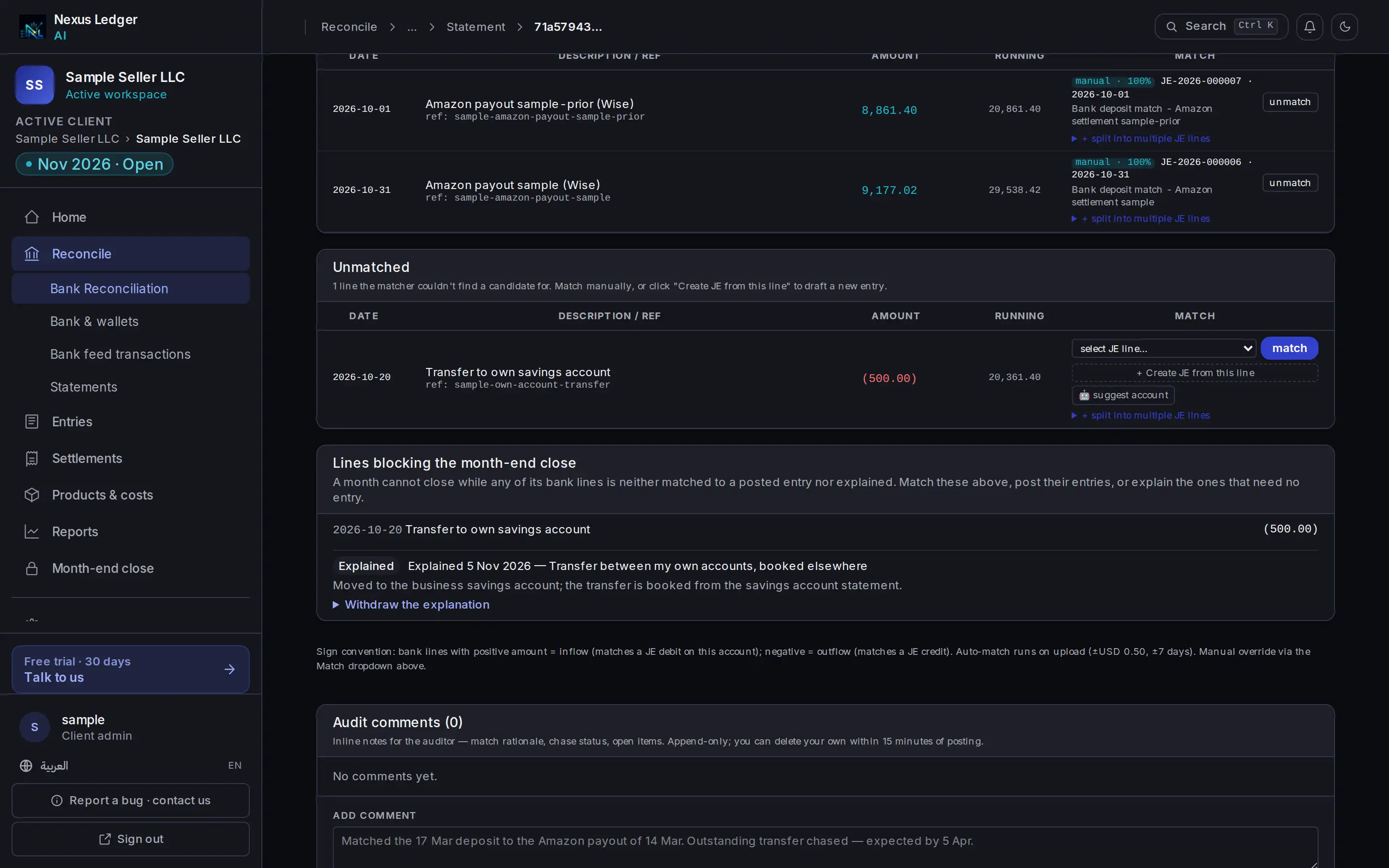
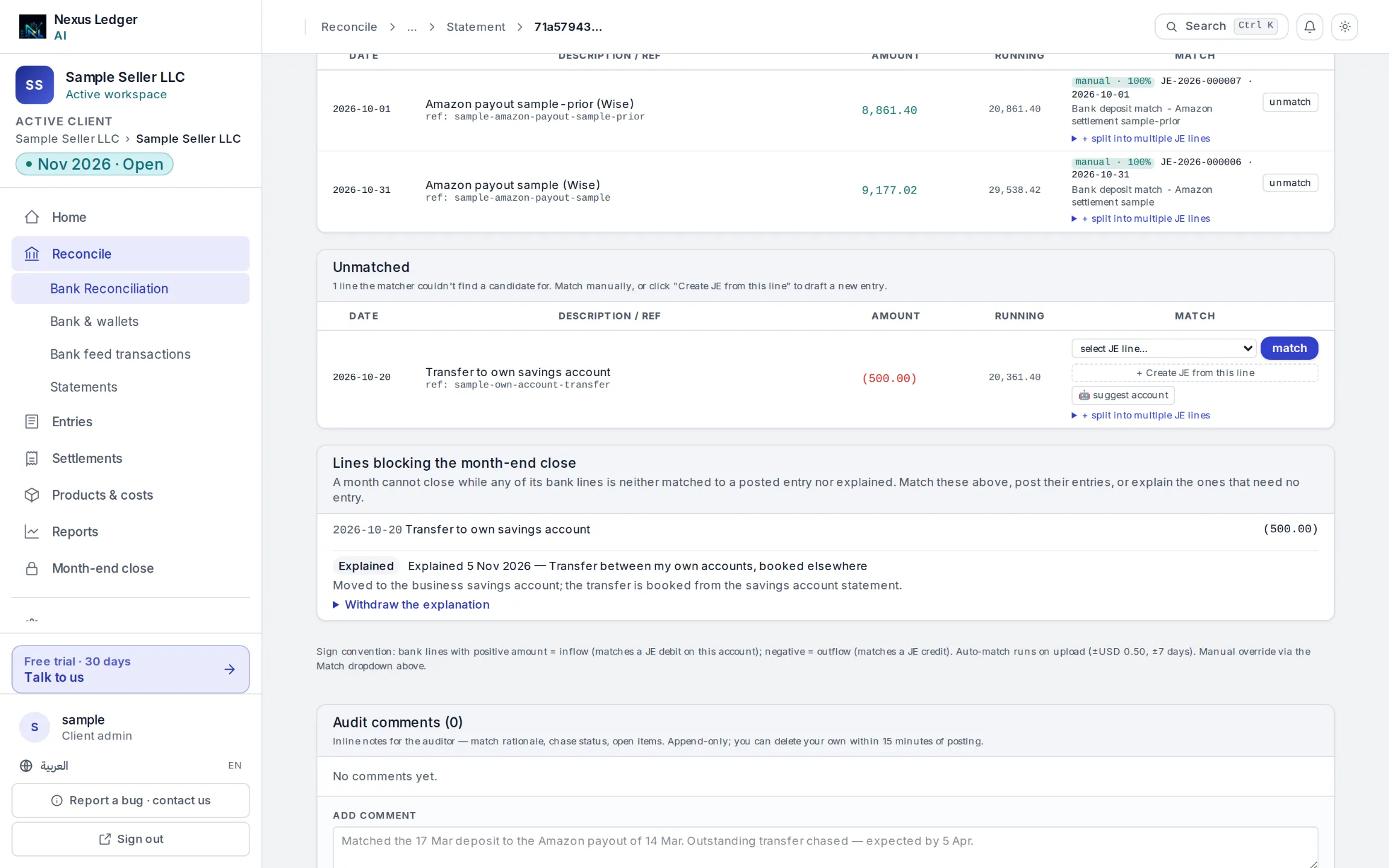
- An explained line
A bank line matched to a journal entry.

