Compare
Link My Books plus a ledger, or one plan?
See what the pair costs each month next to one Nexus Ledger plan that is connector, ledger and close.
Monthly cost, side by side
Link My Books + Xero
Link My Books: settlement connector
- Per month
- See vendor
- Price read on
- 2026-08-13
Xero Established: the ledger it posts into
- Per month
- $97
- Price read on
- 2026-11-05
Together
- Per month
- See vendor
Nexus Ledger Growth: connector, ledger and close
- Per month
- $59
- Price read on
- Our list price
Priced on: 1 Amazon store, up to 1,000 orders / mo, multi-currency books. Multi-currency is what forces the Established tier; a seller who bills in one currency can buy Xero Early ($27) or Growing ($59) instead, which lowers this column.
Link My Books raised prices on 1 July 2026 and withdrew annual billing for new customers. Its calculator was last read on the date shown and is older than our 30-day rule, so no figure is quoted here: check the vendor’s current price.
What Link My Books gets right
It is a well-built tool with a loyal following, and the comparison is more useful if we say so.
- Posts a summary entry per payout to Xero or QuickBooks Online and matches it to the bank deposit.
- Splits a settlement across a month boundary.
- Benchmarks you against other sellers, which Nexus Ledger does not offer.
- Posts a cost-of-goods entry from per-SKU costs you enter or upload.
Where the two genuinely differ
Not better and worse across the board, a different shape. A connector fits into someone else’s ledger; Nexus Ledger is the ledger.
One system, not two
The connector, the ledger, the bank reconciliation and the close are the same software, so a settlement becomes a posted entry without crossing a boundary.
Same cost method, one book
Both use a per-SKU unit cost: units sold times the cost you set. In Nexus Ledger that entry posts by itself when its sale is posted, inside the same ledger as the sale.
Approvals live in the ledger
You approve each settlement and bank match with one click. From the second user, the person who prepares cannot also check. Posted entries are corrected by a linked reversal, not by editing.
One bill instead of two
The table compares a connector plus a ledger with one subscription that includes both, at the vendors’ list prices on the dates shown.
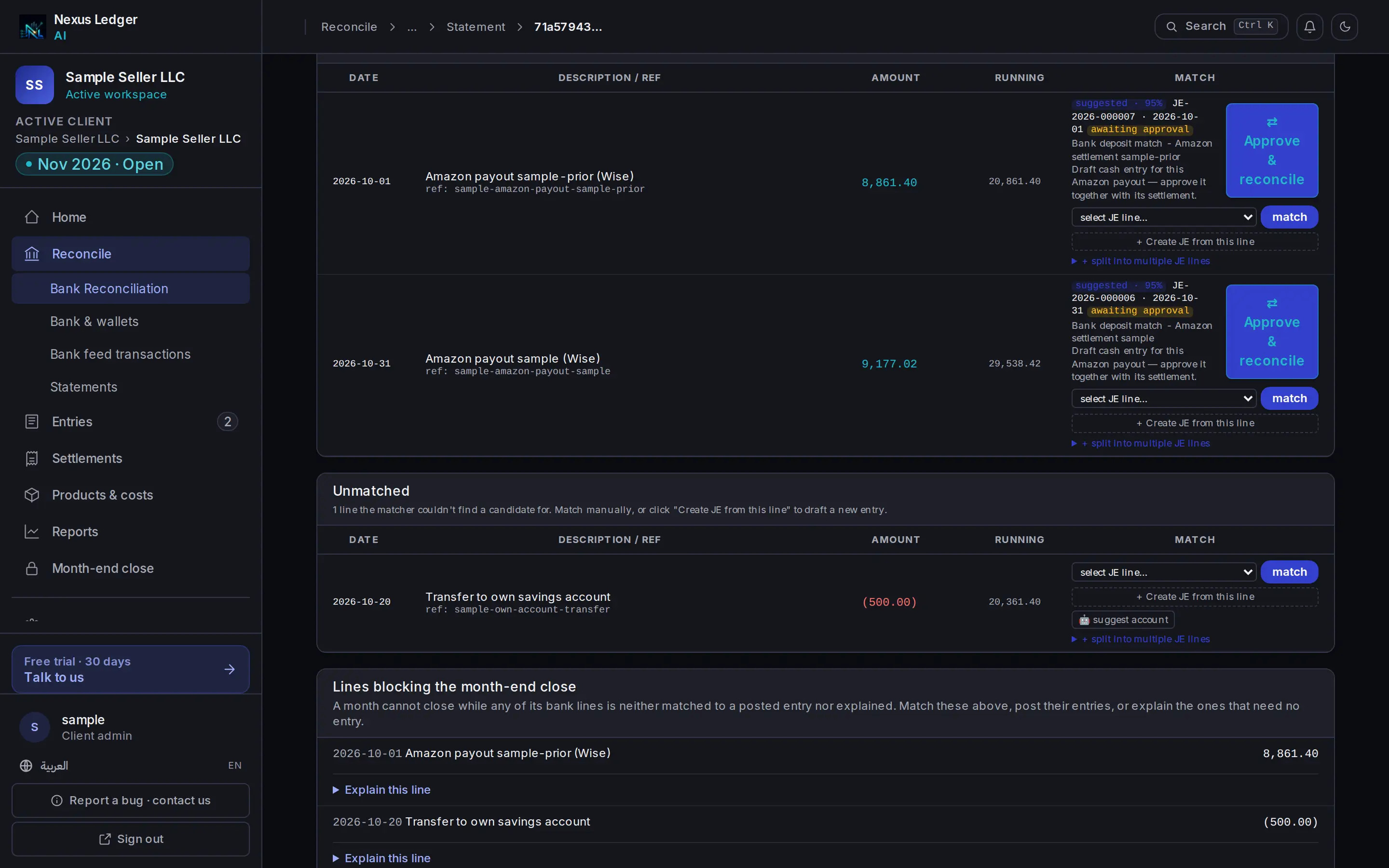
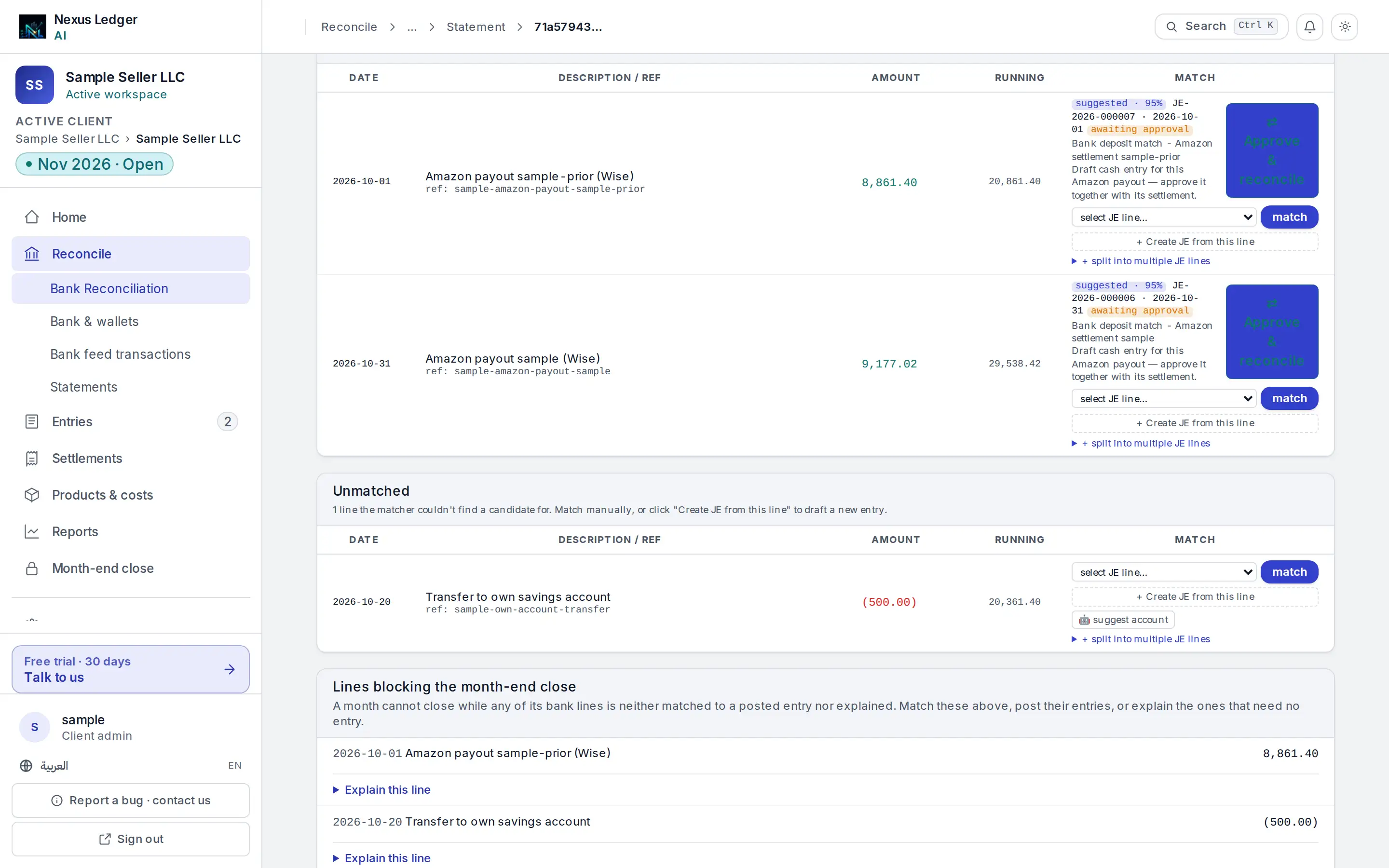
- Payout and deposit, paired for your approval
Moving across
You do not rebuild your history by hand. Start from an opening trial balance and rebuild forward from recent settlements.
- 1
Bring your trial balance
Export it from Xero and upload it.
- 2
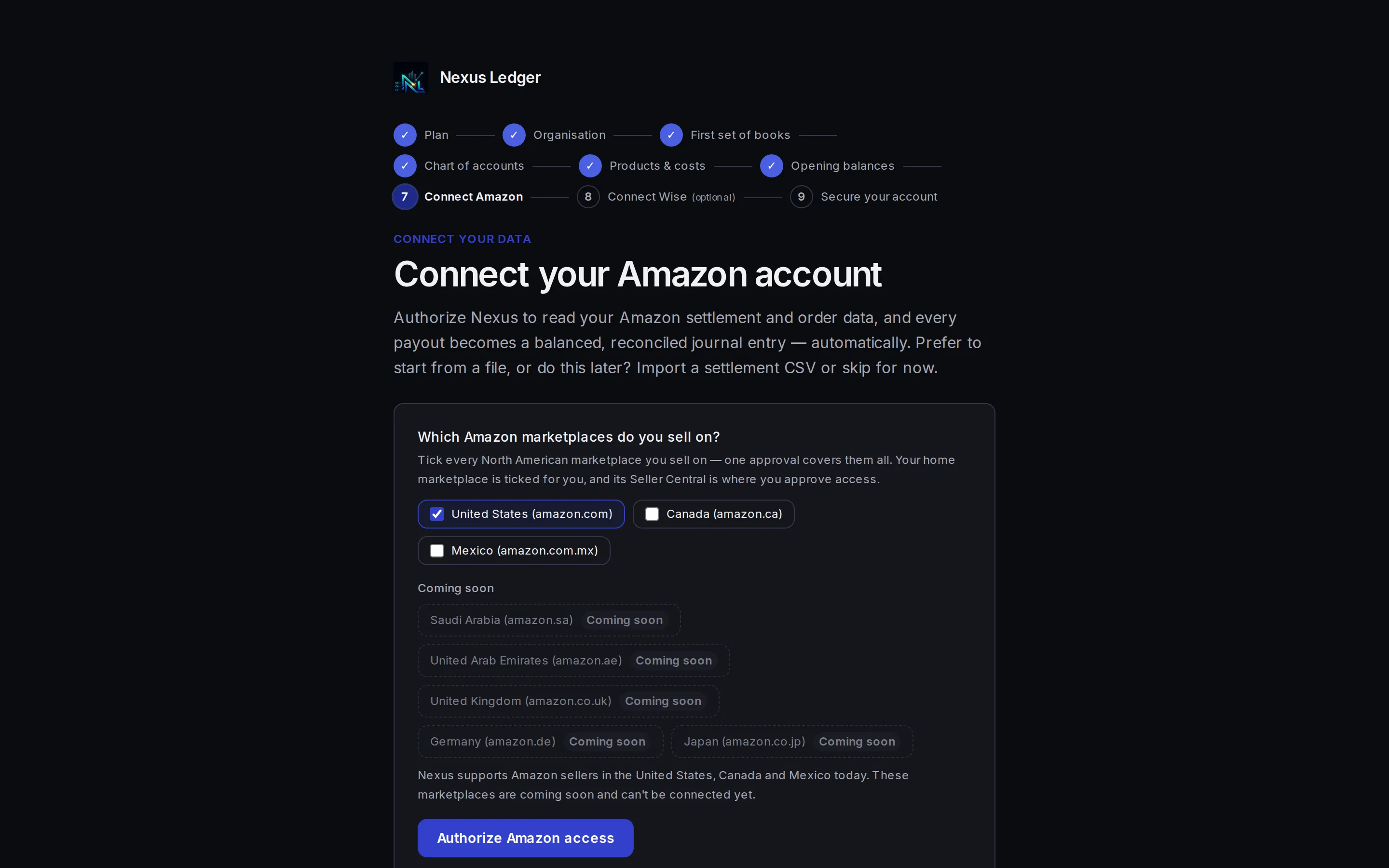
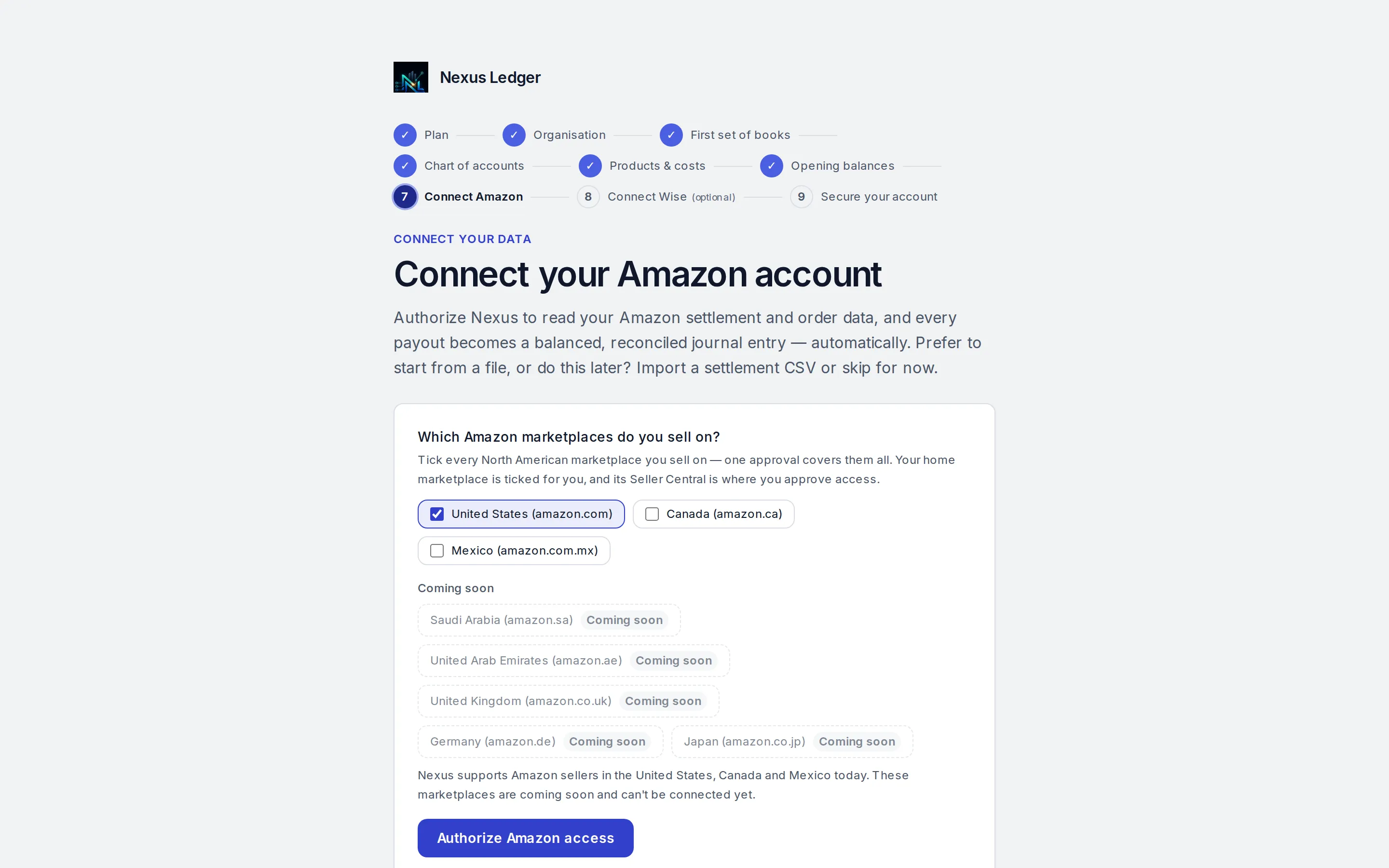
Connect Amazon
One click, read-only, Finance and Accounting role only.
- 3
Review, then post
You approve each settlement and its bank match with one click.
Questions sellers ask
A connector posts a summary entry into an accounting package you subscribe to separately. Nexus Ledger includes that connector and is also the accounting package, with the bank reconciliation and the close in the same place.
Link My Books prices through a calculator that cannot be read automatically, and we show a vendor price only when we have read it in the last 30 days. Ours is older than that, so the line says See vendor, with the date we last read it, and links to the vendor so you can check the current figure.
Yes, and that is the trade: one platform instead of two. You bring an opening trial balance and approve recent settlements. If you are committed to your existing ledger, a connector that feeds it is the more natural fit.
From the unit cost you set for each SKU. That is the same basic method Link My Books uses with the per-SKU costs you upload. The difference is that Nexus Ledger posts it inside the same ledger as the sale.
See a settlement become a balanced entry
Connect Amazon in one click, read-only. Settlements wait for your approval.